
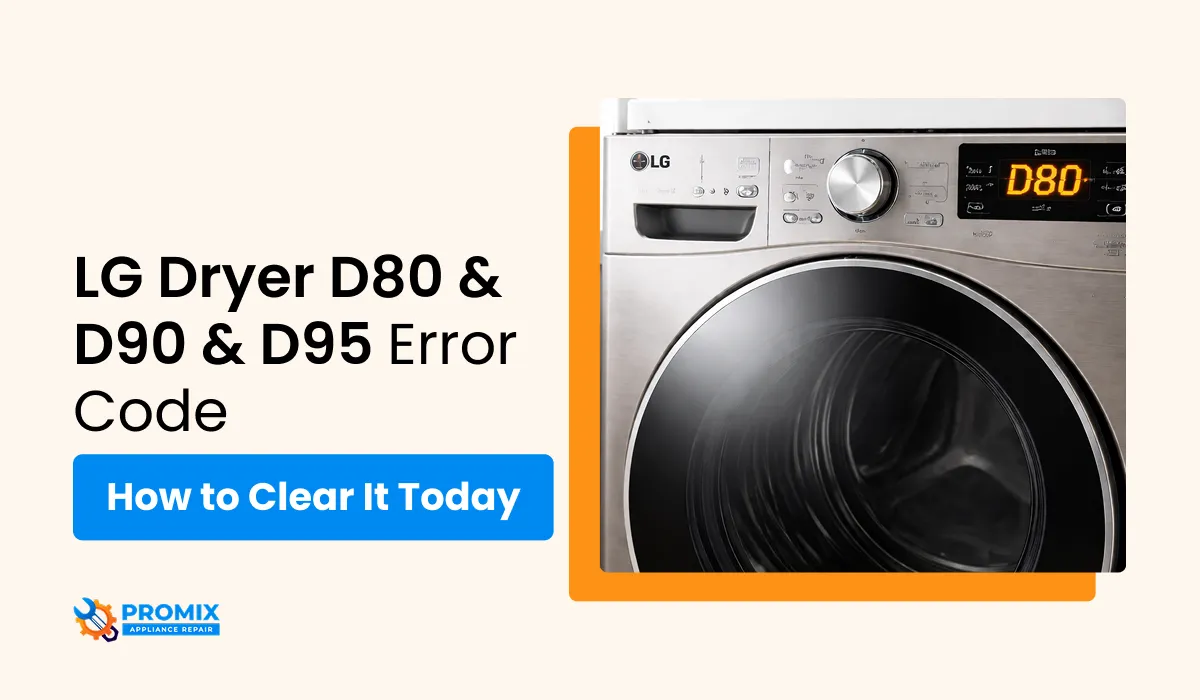
LG Dryer Airflow Error D80 / D90 / D95 Causes and Fixes
Most dryer problems announce themselves gradually clothes take longer to dry, cycles run hotter than usual, and then one day a code appears on the display. With LG dryers, the D80, D90, and D95 codes skip the guesswork entirely. They tell you exactly what's wrong and how serious it is. Understanding what each level means is the fastest way to resolve the issue before it becomes a safety problem.
What Is "Flow Sense" on an LG Dryer?
LG dryers have a built-in airflow monitoring system called Flow Sense. It continuously measures how freely air moves through the exhaust system. When airflow drops below a safe threshold, the dryer displays a D-level warning to alert you before overheating or fire risk occurs. D80, D90, and D95 are part of a broader set of alerts LG uses to communicate faults common LG dryer error codes covers every code across all models and what each one requires.
Think of it as an early warning system the higher the number, the more urgent the situation.
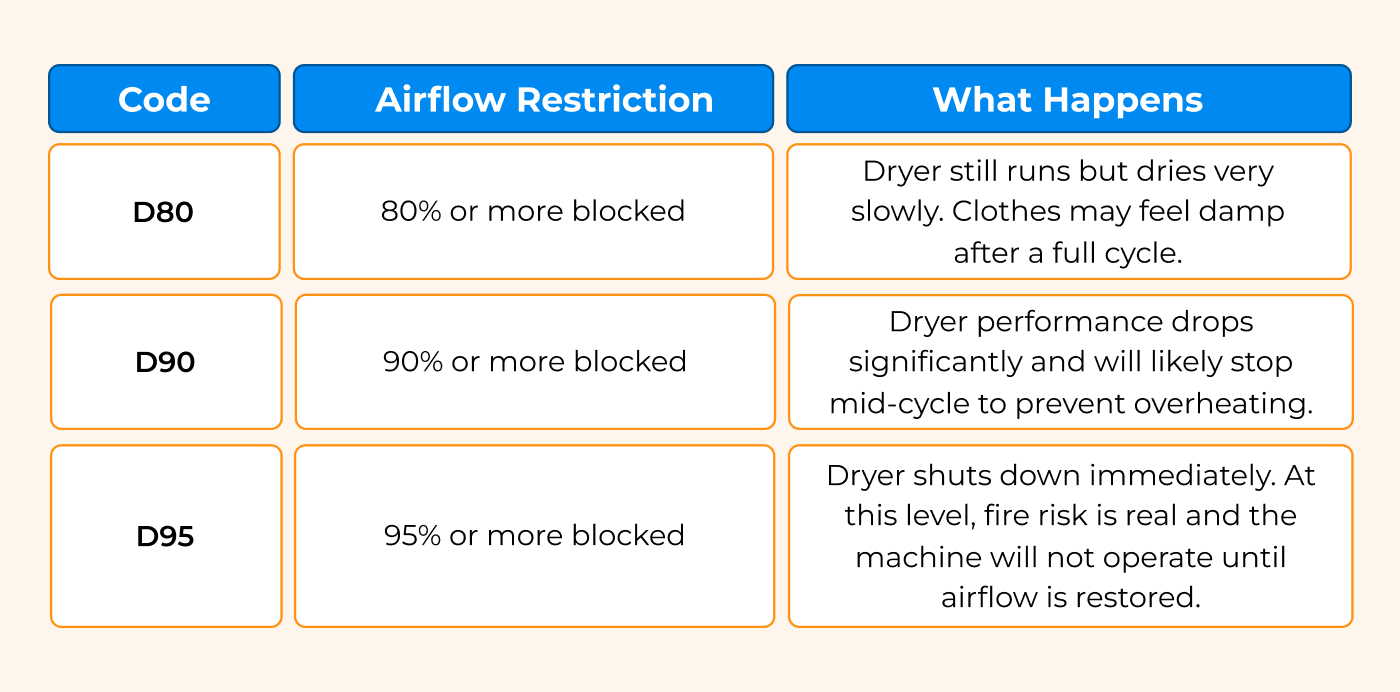
Error Code Breakdown
Common Causes
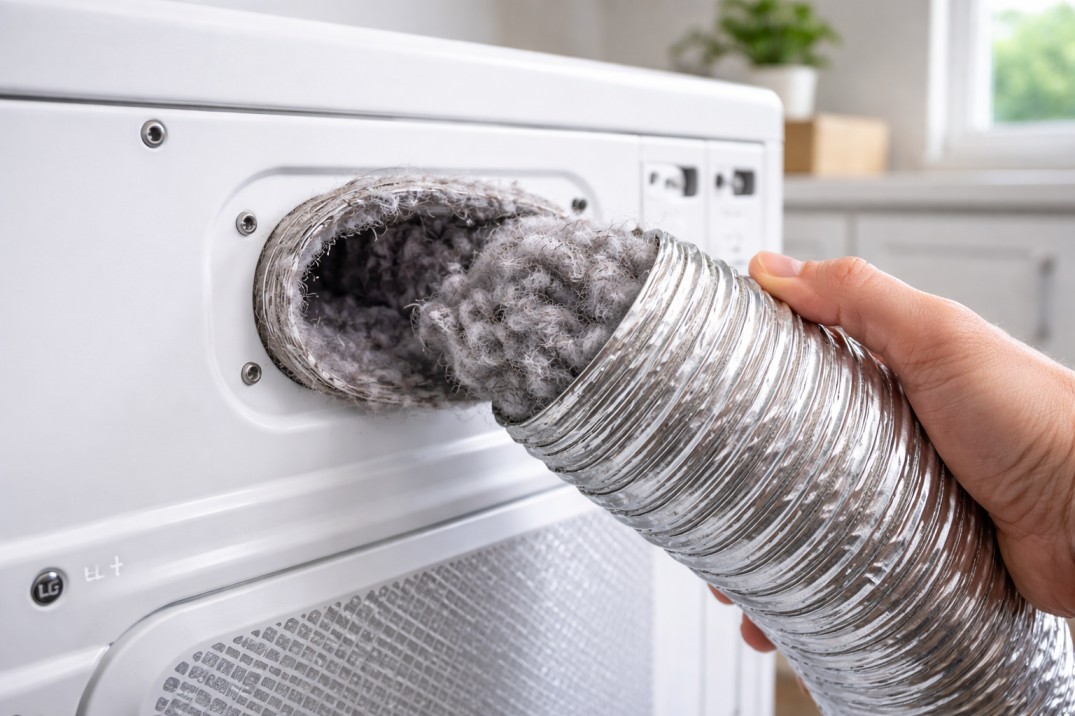
Clogged Vent Hose The white plastic or foil vent pipe behind the dryer is the most common source of blockage. Lint accumulates inside over months of use, gradually narrowing the airflow path until the LG dryer D90 error code or worse appears. A fully clogged vent hose can also collapse under negative pressure, making the blockage permanent without cleaning. A restricted vent is also one of the top reasons a dryer smells like burning lint overheating inside the duct creates a distinct scorched odor before any code appears.
Dirty Lint Filter A lint screen coated with fabric softener residue blocks airflow even when it looks clean. Hold the screen under running water if water pools instead of passing through, the filter is restricted. Clean it with warm water and a soft brush before every load.
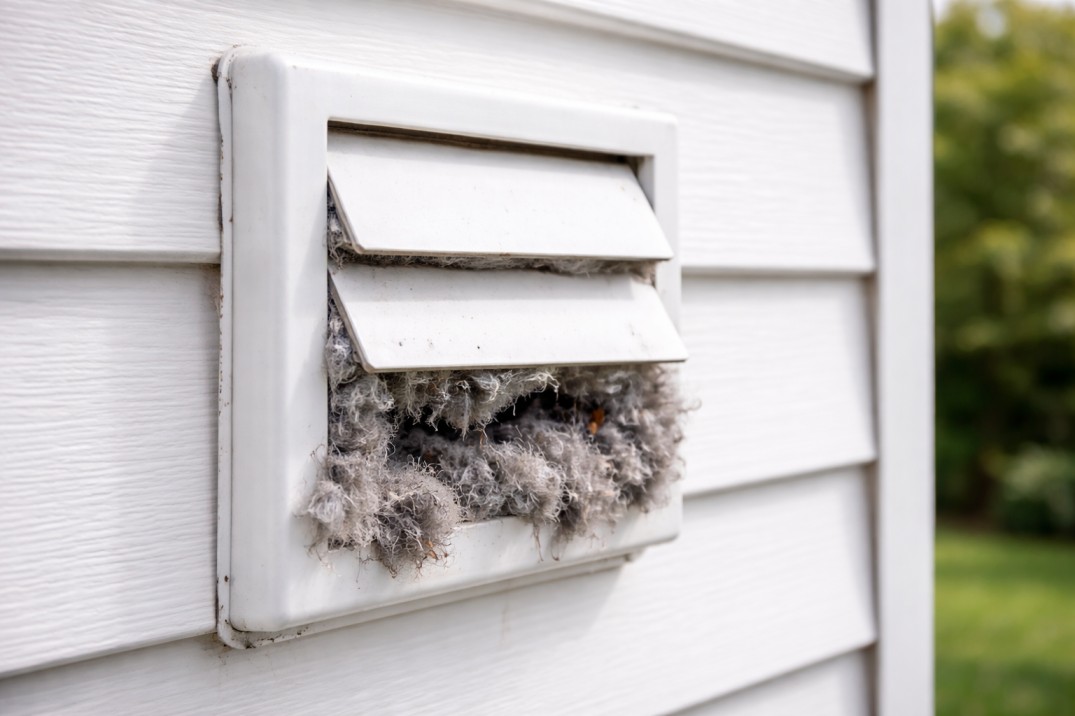
Exterior Vent Blockage The outside vent cover is easy to forget. Lint, dirt, and even pest nests can accumulate behind the flap, preventing exhaust air from leaving the home. When the exterior vent is blocked, the entire system backs up this alone can trigger the LG dryer D80 error code without any internal buildup.
Kinked or Crushed Ductwork If the dryer sits too close to the wall, the flexible vent hose gets crushed or kinked. A 90-degree bend in a flexible foil hose can restrict airflow almost as much as a full lint clog. Pull the dryer forward and inspect the hose behind it.
Faulty Thermostat or Airflow Sensor If the vent is completely clean and the LG dryer D90 error code or D80 still appears, the problem may not be physical blockage at all. A failing high-limit thermostat or a faulty airflow sensor can send false readings to the control board, triggering error codes even when airflow is normal. These components require multimeter testing to confirm.
Troubleshooting Steps
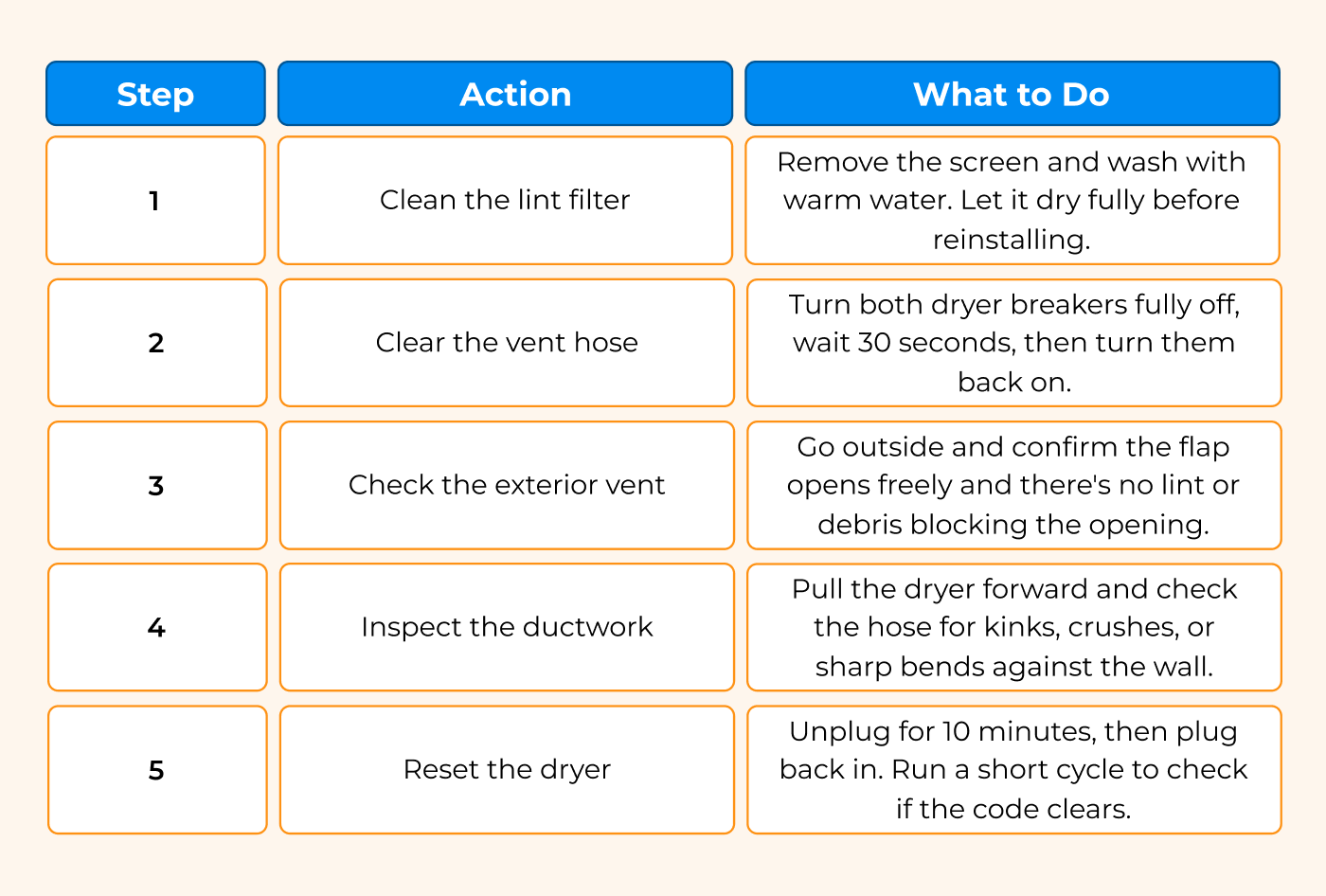
If the LG dryer D95 error code returns after all five steps, the thermostat or airflow sensor needs professional testing.
How Often Should You Clean the Vent?
A full vent cleaning from the dryer to the exterior wall cap should be done at least once a year. If you run multiple loads per day or have a long vent run with multiple bends, every 6 months is safer. The lint filter should be cleaned before every single load, not just occasionally.
Ignoring the D80 warning and continuing to run the dryer is what turns a simple cleaning job into a component replacement or worse, a fire hazard.
When to Call a Technician
Cleaning resolves most D-code cases. But if you've cleared the vent, replaced the filter, and reset the dryer and the LG dryer D80 error code or higher keeps returning the internal components need professional diagnosis. A faulty thermostat or sensor left untested will keep triggering shutdowns and, in D95 cases, creates a genuine fire risk.
Promix Appliance Repair handles LG dryer diagnostics and LG appliance repair service, from airflow sensor testing to full vent system inspection. Call (781) 666-9565 to schedule service.
FAQ
How do I fix a D95 error on my LG dryer?
Unplug the dryer immediately. Clean the lint filter, disconnect and vacuum the vent hose, and check the exterior vent cover for blockage. The LG dryer D95 error code means 95% airflow restriction the dryer will not restart until airflow is fully restored. If cleaning doesn't clear the code, the thermostat or sensor may need replacement.
What does D90 code mean on LG dryer but no blockage?
If the vent, filter, and exterior cap are all clear but the LG dryer D90 error code persists, the airflow sensor or high-limit thermostat is likely sending a false reading. This requires multimeter testing to confirm which component has failed.
How do I fix D80 error on my LG dryer?
Start with the lint filter and vent hose these resolve the majority of D80 cases. Clean the filter with warm water, vacuum the vent hose, and check the exterior vent. Reset the dryer by unplugging for 10 minutes and run a test cycle.
What does "dryer flow sense" mean?
Flow Sense is LG's built-in airflow monitoring system. It measures exhaust airflow during operation and displays D80, D90, or D95 codes when restriction reaches unsafe levels giving you a specific warning before the dryer overheats or shuts down completely.

